 Search
 1 days ago
 2144 views
 1 days ago 2144 views 1 days ago 2144 views
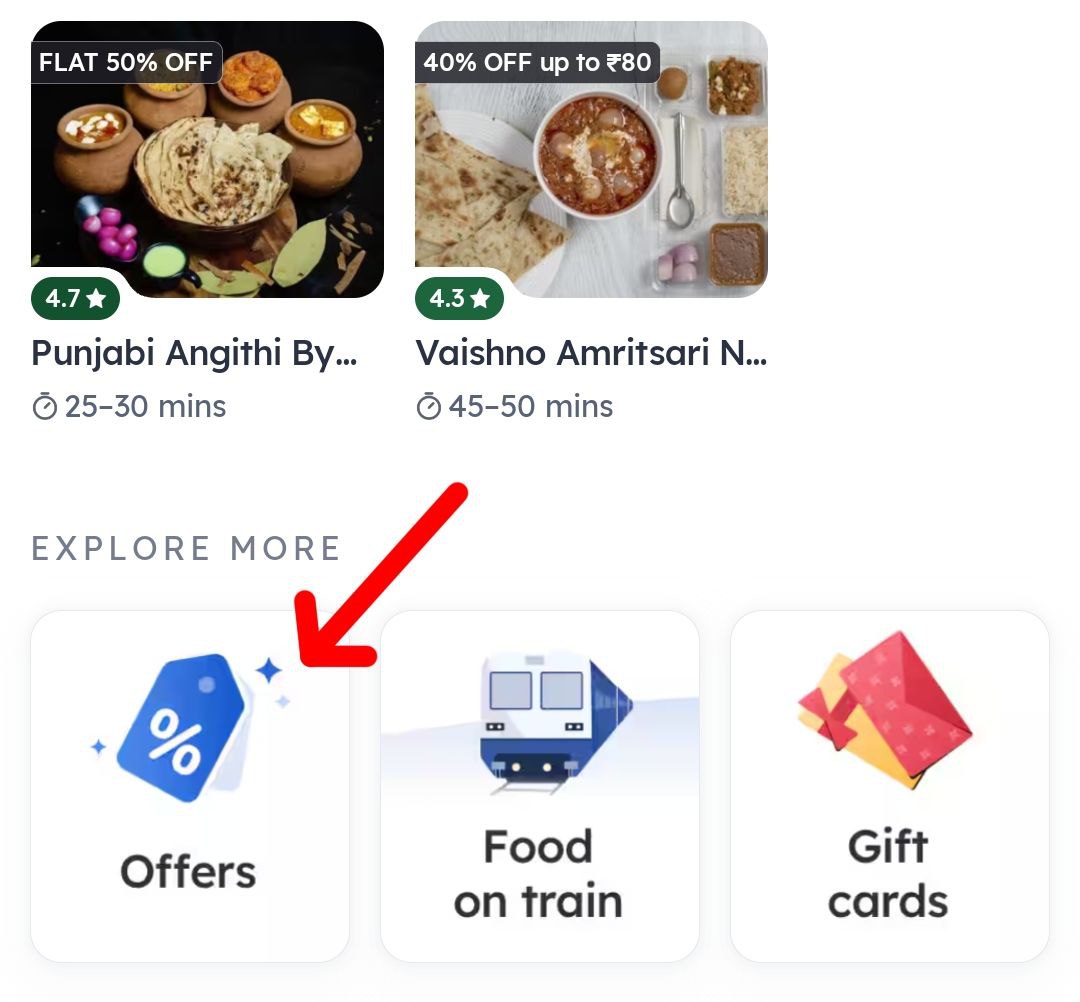
Step 1 - Click on the Shop Now button or open the Zomato app directly in your phone.
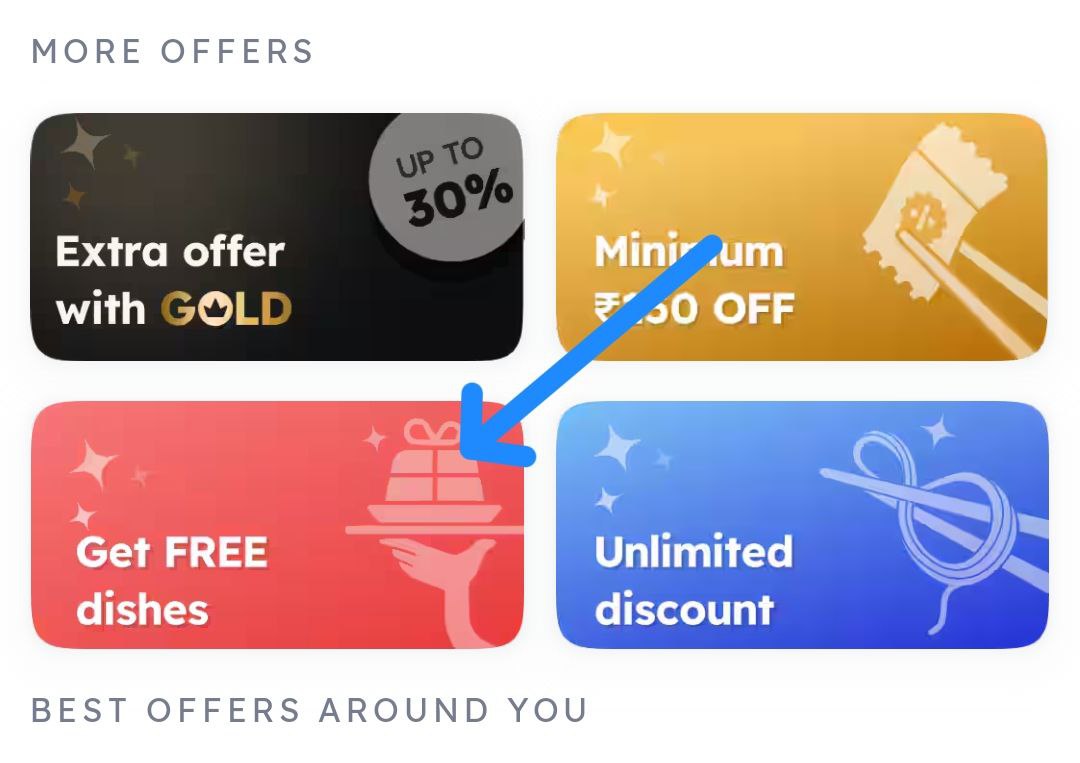
Step 2 - Go to Offers, scroll down and click on the Get Free Dishes section.
Step 3 - You will see all the nearby restaurants offering free dishes on the orders.
Step 4 - Choose your favorite restaurant, order the food and enjoy.