Stores

 Search
Category of blog
Want to start your career in photoshop or UIUX design, here is the guide

2026-07-03 15:18:54
10 Game-Changing Fiverr Services Every Entrepreneur Should Know About in 2025

2026-06-11 15:21:46
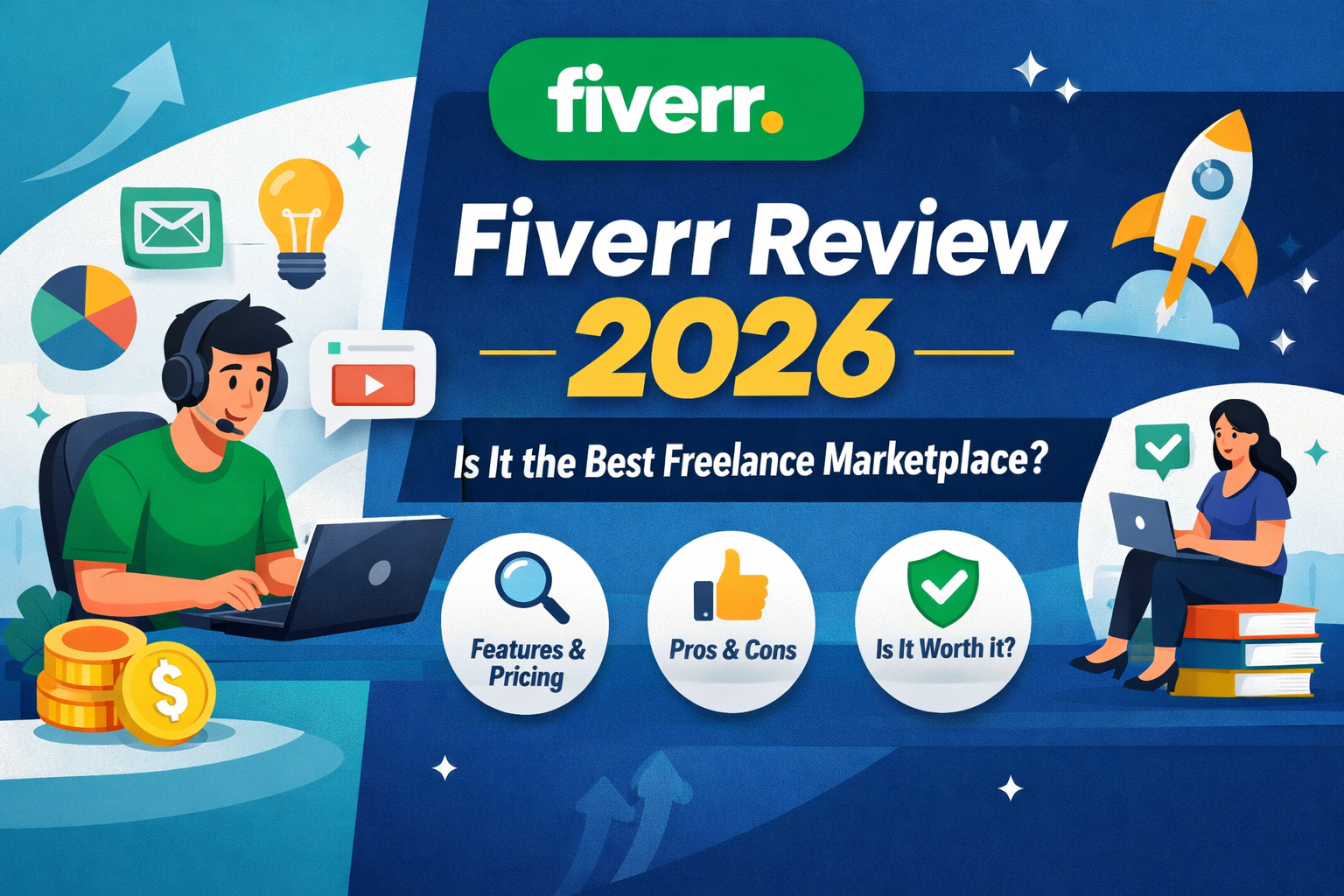
What Is Fiverr and How Does It Work? (Beginner’s Guide)

2026-05-02 16:06:17
Fiverr vs Upwork: Which Freelance Platform Is Better in 2026?

2026-04-17 15:31:55
Why YouFibre is Changing the UK Broadband Game
Adobe Photoshop is an industry-leading software for photo editing and graphic design. It's one of the most popular tools in the Adobe Creative Cloud suite, and if you're interested in pursuing a career in UI/UX design, it's a must-have skill. However, starting a career in Photoshop and UI/UX design can be daunting, especially if you're just getting started. But don't worry, with the right guidance and resources, you can get started on the path to a successful career in no time.
First and foremost, it's important to understand what UI/UX design is and how it relates to Photoshop. UI (User Interface) design is the process of designing the visual elements of a product, such as buttons, menus, and other interactive elements. UX (User Experience) design, on the other hand, focuses on the overall experience of the user, including how easy the product is to use and how well it meets the user's needs.
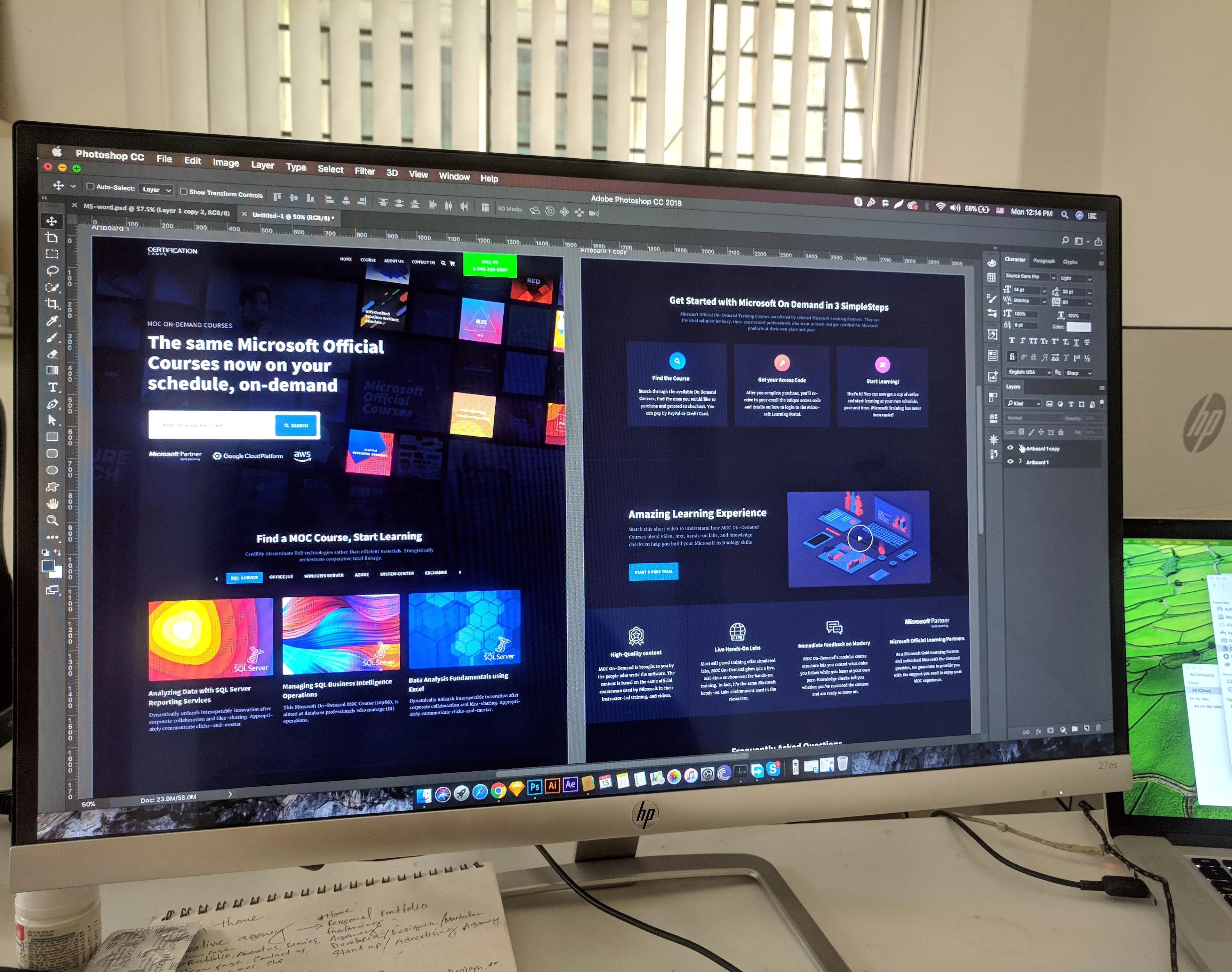
Photoshop is an essential tool for UI/UX designers because it allows them to create high-quality visuals that accurately represent the final product. Photoshop offers a wide range of features that make it the go-to tool for graphic designers, including layers, filters, and a variety of brushes and other tools.
If you're just starting out in Photoshop and UI/UX design, one of the best resources available is the Adobe Creative Cloud. This suite of software includes all of the tools you need to create stunning visuals and user experiences, including Adobe Photoshop, Adobe Illustrator, Adobe XD, and more. The Adobe Creative Cloud is available for a monthly fee, and there are a variety of plans available to suit your needs and budget.
One of the best things about the Adobe Creative Cloud is that it offers a wide range of online resources to help you get started with Photoshop and UI/UX design. Adobe offers a variety of tutorials and training courses online, which are designed to help you learn the basics of Photoshop and UI/UX design quickly and easily. These resources are a great way to get started with Photoshop and to build your skills as a designer.
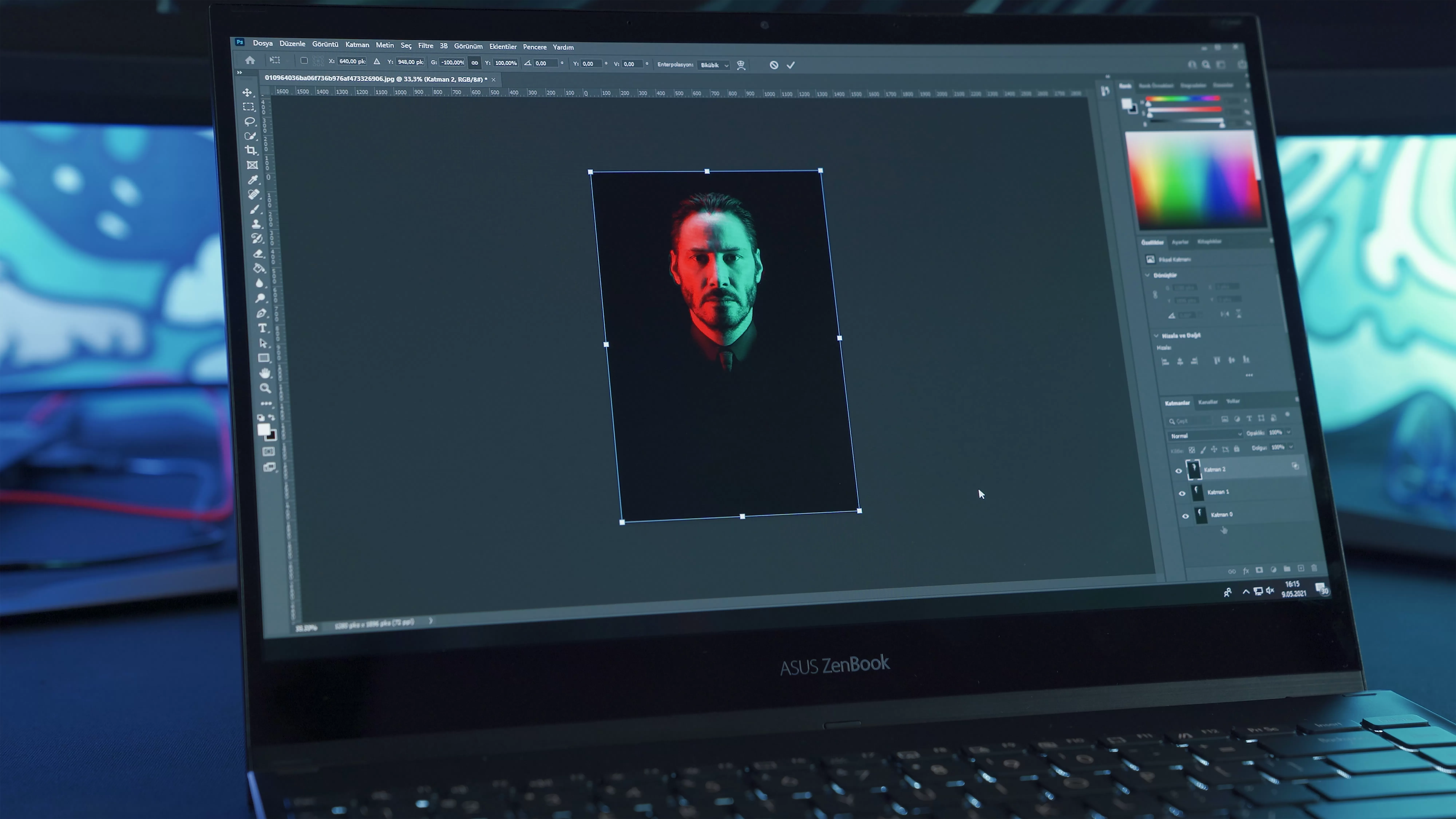
In addition to the online resources provided by Adobe, there are also a variety of third-party resources available to help you learn Photoshop and UI/UX design. These resources range from online courses to books and blogs, and they can be a great way to supplement your learning and to get more in-depth information about specific topics.
When it comes to starting your career in Photoshop and UI/UX design, it's important to build a portfolio of your work. This portfolio should showcase your skills as a designer and should include a variety of projects that demonstrate your ability to create high-quality visuals and user experiences. Your portfolio can include anything from mockups and wireframes to fully functional websites and mobile apps.
To build your portfolio, you may want to consider taking on freelance projects or working on personal projects. This will give you the opportunity to apply your skills and to build your portfolio without the pressure of working for a client or a company. As you build your portfolio, be sure to showcase your best work and to highlight the skills and techniques that set you apart as a designer.

When it comes to starting your career in Photoshop and UI/UX design, there are a variety of paths you can take. You may want to consider working for a design agency or a company that specializes in UI/UX design. Alternatively, you may want to consider freelancing or starting your own design studio. Whatever path you choose, be sure to stay up-to-date with the latest trends and techniques in Photoshop and UI/UX design, and continue to build your skills and your portfolio.
In conclusion, starting a career in Photoshop and UI/UX design can be challenging, but with the right resources and guidance, it's definitely achievable.